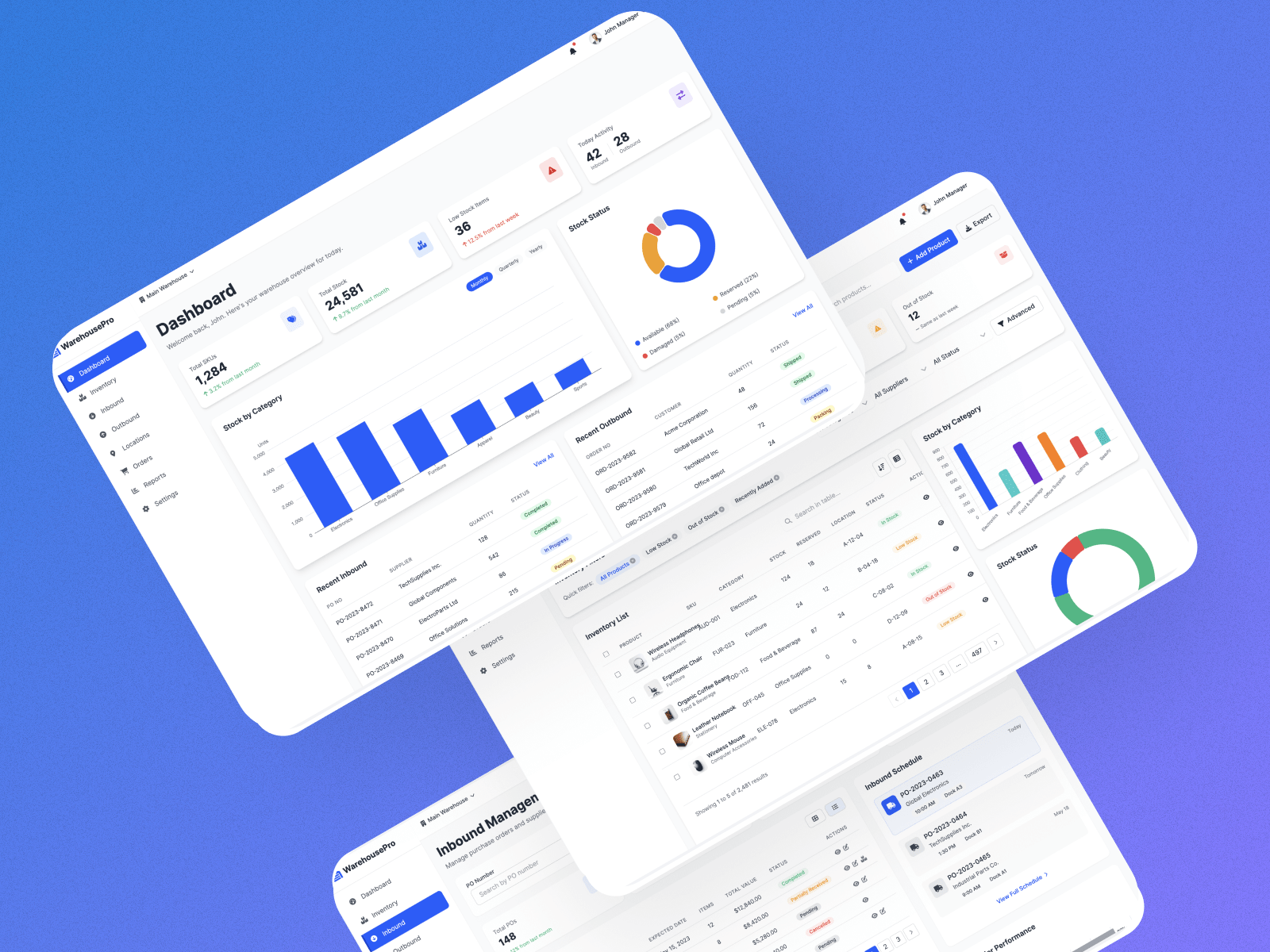
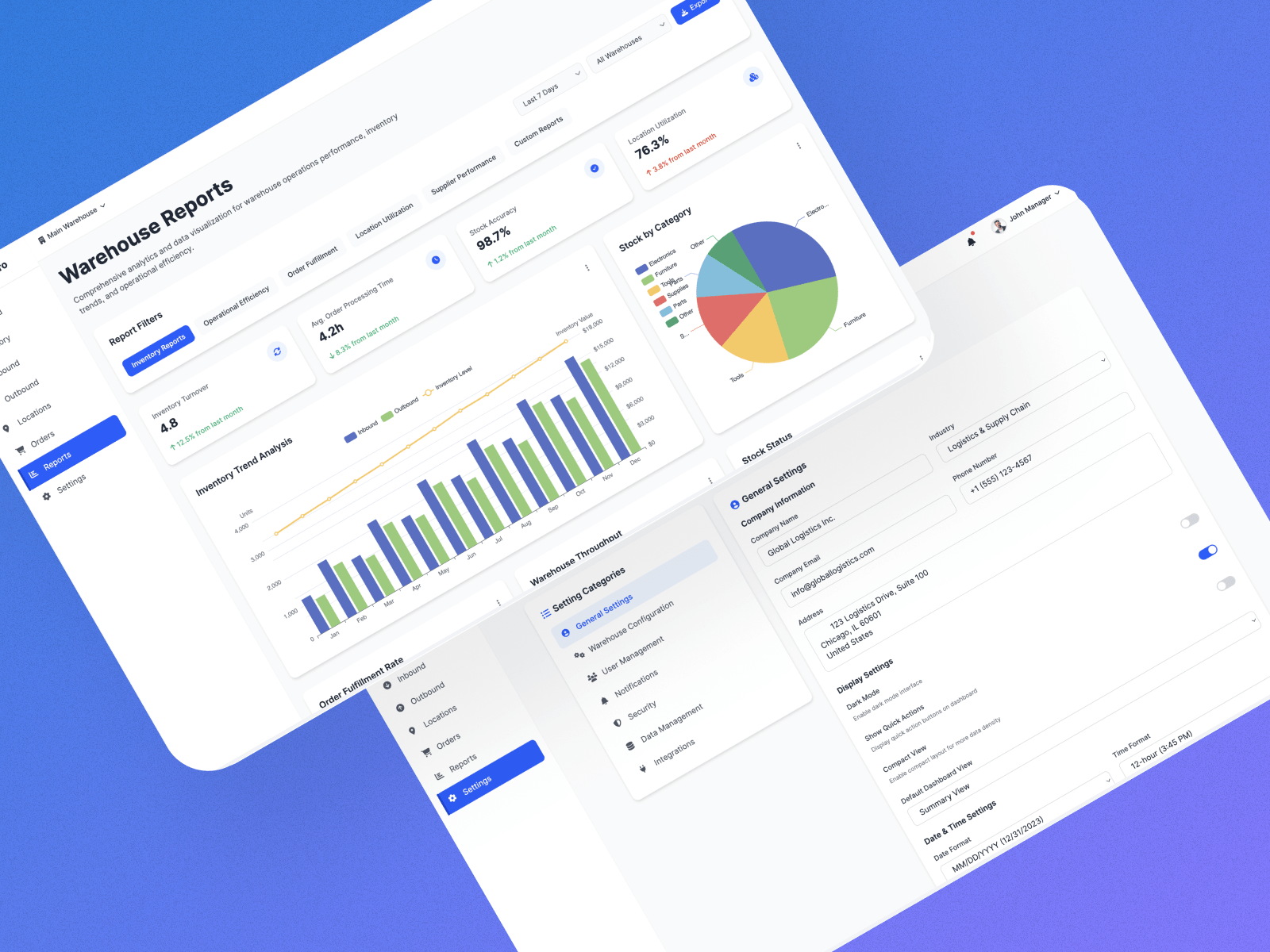
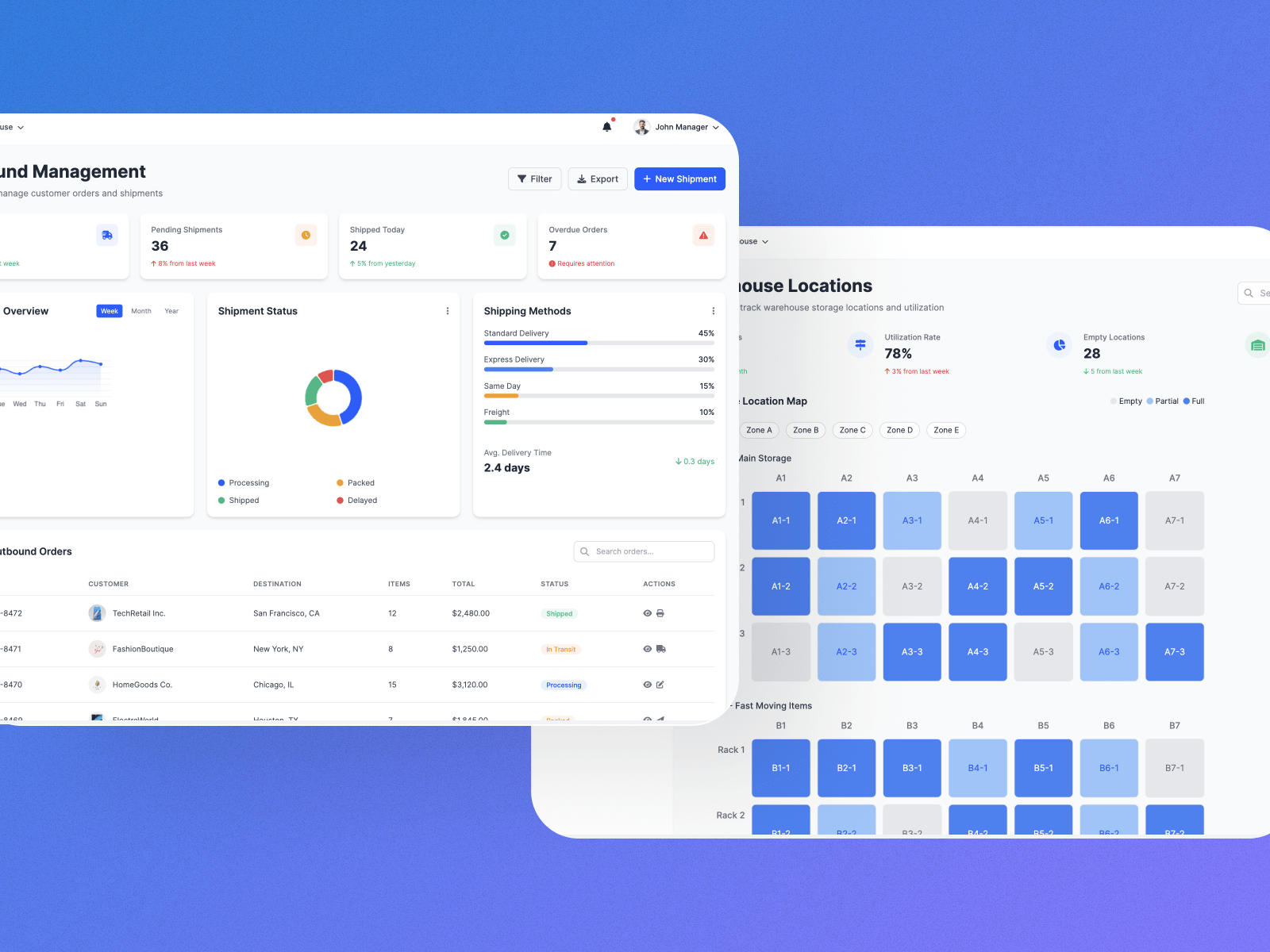

Warehouse Management System

Warehouse Management System (WMS)

Warehouse operations rely heavily on clarity, accuracy, and speed.
For warehouse managers, operations supervisors, and SME business owners, a WMS dashboard is not just a reporting screen — it is a daily decision-making tool.

In this article, we share how we design a modern, clean, and scalable Warehouse Management System (WMS) dashboard that is ready for real-world ERP usage.

Throughout the design, we follow several key principles:

  • Data-driven: realistic numbers and real ERP scenarios

  • Clear hierarchy: important information always appears first

  • Spacing and readability: no clutter, no compressed tables

  • Desktop-optimized: designed for 1440px width, ideal for office environments

Most importantly, the dashboard is designed to be implementation-ready, not just a concept UI.

A well-designed system should make work simpler, not create more steps.

Chloe Khor- CEO ByteFlow

This system is built with real system implementation in mind:

  • Supports scalable data structures

  • Ready for multi-warehouse operations

  • Can integrate with inventory, order, and reporting modules

  • Suitable as a foundation for a full ERP or WMS platform

It is not a static design, but a practical starting point for a production-ready system.

A well-designed WMS dashboard reduces operational friction, improves visibility, and helps businesses make better decisions faster.

For SMEs, especially those moving away from Excel or manual tracking, a clear and structured dashboard is often the first step toward true operational efficiency.

If you are planning to build or upgrade a Warehouse Management System, the dashboard design should always be treated as a core business component, not an afterthought.

Share this :

Explore More